Francisco Javier Cruces Doval
Thursday, March 28, 2024 | 1 minute
Installation of android in GNS3 with KVM
To download the Android image, you can use the following page: https://www.fosshub.com/Android-x86.html
wget https://www.fosshub.com/Android-x86.html?dwl=android-x86_64-9.0-r2.iso
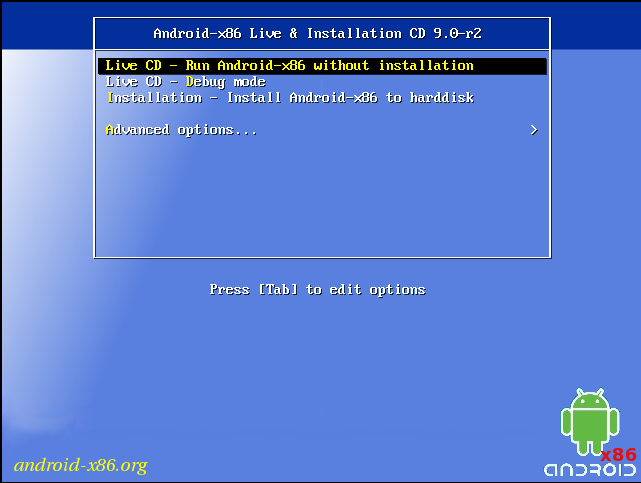
Create a KVM machine similar to a Debian installation, it is recommended to assign 2 GB of RAM and 2 CPU cores:
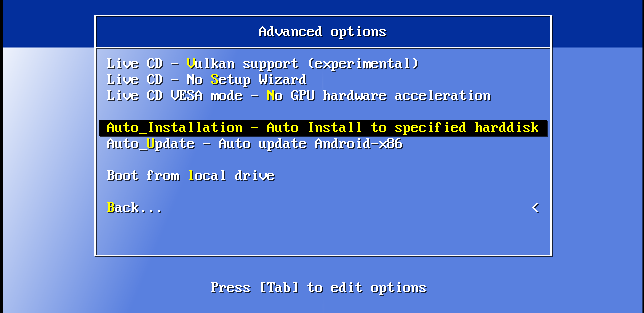
In this case, an automatic installation can be initiated:
Once the machine is installed, power it off to proceed with the import into GNS3. To do this, copy the KVM disk to the GNS3 images directory and change the ownership of the copied disk to your user:
cp /var/lib/libvirt/images/android-wireguard.qcow2 /home/javiercruces/GNS3/images/QEMU/

javiercruces@HPOMEN15:~$ sudo chown javiercruces:javiercruces /home/javiercruces/GNS3/images/QEMU/android-wireguard.qcow2
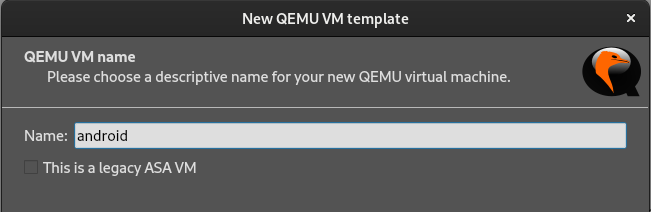
Now, access GNS3 and, in Preferences, add a new QEMU VM:
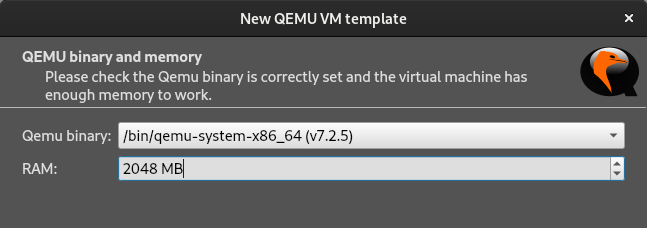
Select the x86_64 emulation binary and assign an appropriate amount of memory, 2 GB is sufficient for correct operation:
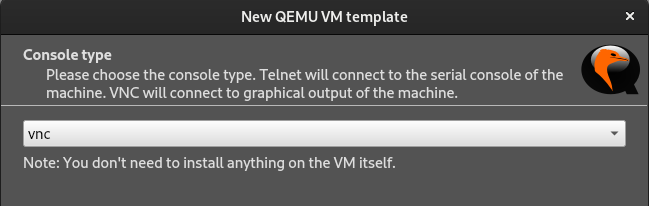
Since the image uses a graphical environment, select VNC as the console type:
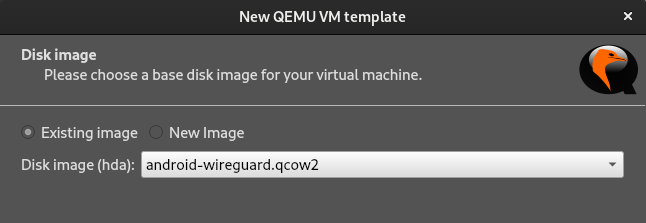
Finally, select the disk that was previously copied to the images folder: