Logo Atlas
  • Home
  • About Me
  • Skills
  • Education
  • Recent Posts
  • Certifications
  • Posts
  • English
    Español English
  • Dark Theme
    Light Theme Dark Theme System Theme
Logo Inverted Logo
  • Posts
  • Kong Gateway
    • Introduction Kong Gateway
    • Installing Kong with Docker (Hybrid Mode)
    • Installing Kong Ingress Controller (KIC)
    • Authentication plugins
      • Basic Auth
      • Key Auth
      • HMAC Auth
      • JWT
      • OAuth 2.0 Token introspection
      • OpenID Connect
      • SAML
      • Session
      • LDAP Auth
  • OpenStack
    • 01 - What is OpenStack?
    • 02 - Installation and Deployment Methods for OpenStack
    • Manual Installation
      • 03 - Manual OpenStack Installation Guide with Vagrant
      • 04 - Scenario Deployment and Preparation
      • 05 - Install and Configure Keystone on the Controller Node
      • 06 - Create Domains, Projects, Users, and Roles in OpenStack
      • 07 - Install and Configure Glance (Image Service)
      • 08 - Configure Placement in OpenStack
      • 09 - Install and Configure Nova on the Controller Node
      • 10 - Install and Configure Nova on Compute Nodes
      • 11 - Configure Neutron on the Controller Node
      • 12 - Configure Neutron on Compute Nodes
      • 13 - Verify the Minimum OpenStack Installation
      • 14 - Configure Cinder on the Controller Node
      • 15 - Install and Configure Cinder on Storage Nodes
      • 16 - Install and Configure Horizon on the Controller Node
    • Kolla-Ansible Installation
      • 17 - Install and Configure Horizon on the Controller Node
  • CI / CD Jenkins
    • CI / CD practice with Jenkins
    • Workshop 1 Ortho-rector of markdown documents (test)
    • Workshop 2 Valid HTML5 check and surge.sh deployment (test and deploy)
    • Workshop 3 Continuous integration of django application (Test)
  • Database
    • Install MariaDB in Debian
    • Interconnection of database servers
    • Oracle 19c installation under Debian 12
    • PostgreSQL installation in Debian 12
    • Remote access configuration in Oracle
    • Remote access in MariaDB
  • Docker
    • Docker Compose Installation on Ubuntu 24
    • Docker Installation on Ubuntu 24
    • Workshop 1 Storage and networks in Docker
    • Workshop 2 Multicontainer Scenarios in Docker
    • Workshop 3 Image creation Docker
  • Firewall
    • Fortinet CLI
    • Perimetral with Fortinet I
    • Perimetral with Fortinet II
    • Perimetral with Nftables I
    • Perimetral with Nftables II
  • Linux Drivers
    • Drivers Nvidia
    • How to choose which graph to use on my laptop with Linux
  • Networks
    • Android GNS3-KVM
    • Basic IPv6 scenario
    • GNS3 and Wireshark installation
    • GNS3 installation in Debian 12
    • GNS3 switch configuration
    • IPV6 Tunnels
    • NAT in Cisco and Linux
    • Network monitoring commands
    • OpenStack routing
    • Protocol ARP
    • Underworld
    • Underworld evolution
  • Observability
    • Metrics
      • Prometheus
        • Installation of Prometheus with Docker Compose and Node Exporter on Debian 12
  • Security
    • Forensic computer
    • HTTPS
  • Services
    • Apache
    • DHCP
      • Installation and Configuration of a DHCP Server on Linux
    • DNS
      • BIND9
        • Configuring a Slave DNS Server with BIND9
        • Installation and Configuration of BIND9 on Linux
      • DNSMASQ
        • Local Server with DNSMasq
    • FTP
    • NAT with iptables
    • SSH
  • Systems
    • Active Directory in Ubuntu
    • Centralized collection of logs journald
    • Compilations in LINUX
      • Compilation of a C-program using a Makefile
      • Compilation of a kernel
    • Creation of an automated installation system
    • Install and configure samba in Debian
    • Linux Command
      • Kernel parameter modification exercises
      • Linux processes
      • Module management exercises
      • Package management
      • Packaging and compressors
      • Paid management exercises
      • Task programming
    • Migration in Linnux
      • File system
      • Migtation from CentOS stream 8 to CentOS stream 9
      • Systemd elimination
      • Transformation instance cloud
    • NFS in Debian
    • SELinux activation configuration
    • Share resources in Windows
    • Ssh service in Windows
    • Storage Spaces in Windows Server
  • Virtualization (KVM on Linux)
    • Introduction to virtualization with KVM
      • Virtualization basics in Linux
      • Types of hypervisors
      • KVM architecture and operation
    • Installation and configuration
      • Install KVM and libvirt
      • Validate KVM host
    • Virtual machine management
      • Create VM with virt-install
      • VM components
      • Manage with virsh
      • Clone and rename VMs
      • Expand VM resources
      • Snapshots in KVM
      • Virtual machine templates
    • Networking in KVM
      • Network types in KVM
      • Create and configure private virtual networks
      • Create bridge interface
    • Storage in KVM
      • Introduction to storage
      • Managing pools
      • Volumes (virsh)
      • Resizing disks (VMs)
  • VPN
    • OpenVPN and Wireguard Comparative
    • OpenVPN remote access
    • Remote access Ipsec StrongSwan
    • Site-to-Site IPsec Cisco
    • Site-to-Site IPsec Fortinet
    • Site-to-Site OpenVPN
    • Site-to-Site Wireguard
    • Wireguard remote access
  • Web applications
    • LAMP stack installation
    • LEMP stack installation
    • WordPress LAMP
    • WordPress LEMP
Hero Image
JWT Auth in Kong

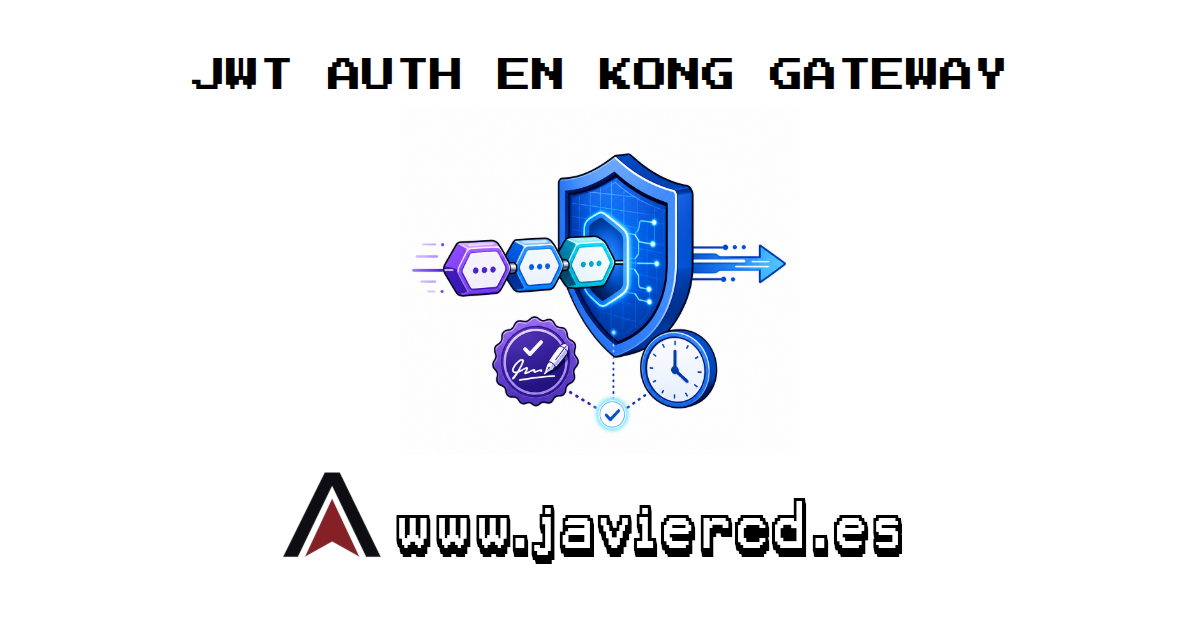
A JSON Web Token carries claims about an identity inside a signed token. Kong can verify its signature and time constraints before the request reaches the backend. This article separates the token structure, the cryptographic credential stored in Kong, and the Consumer representing the client. We then build a reproducible Kong Ingress Controller lab with an HS256-signed JWT and a /jwt route. This lab continues directly from Installing KIC. It reuses the kong Gateway, the echo Service, and the 192.168.121.200 address assigned by MetalLB to kong-gateway-proxy.

  • Kong
  • Authentication
  • JWT
  • JSON Web Token
  • KIC
Sunday, July 26, 2026 | 7 minutes Read
Hero Image
13 - Verify the Minimum OpenStack Installation

On this post we perform an end-to-end verification from the controller node (controller01). First we check the network agents, then we create the internal network and subnet, configure a router, prepare the external network, check image and flavor, create an SSH keypair, launch an instance and validate connectivity (ICMP/SSH) using a floating IP. Example outputs are included to compare against your environment. Before starting, load your admin credentials if they are not already in the environment:
  • openstack
  • installation
  • verification
Sunday, November 23, 2025 | 6 minutes Read
Hero Image
OAuth 2.0 Token Introspection in Kong

Kong Enterprise includes an official OAuth 2.0 Introspection plugin, but it requires a license. In this lab, we will overcome that limitation by installing an open community or free-software plugin on Kong Gateway 3.10. In addition to the plugin, we will deploy Keycloak in Kubernetes. Keycloak will issue access tokens through client_credentials and expose the introspection endpoint defined by RFC 7662. Every response shown in this article comes from this real scenario.

  • Kong
  • OAuth 2.0
  • Token Introspection
  • Keycloak
  • KIC
Sunday, July 26, 2026 | 9 minutes Read
Hero Image
14 - Install Cinder (controller node)

This post details the steps we follow to install and configure Cinder, the OpenStack block storage service, on the controller node (controller01). We include the commands to create the database, configure services, endpoints and the Nova integration. Create the Cinder database Access MySQL and create the database and user: vagrant@controller01:~$ sudo mysql CREATE DATABASE cinder; GRANT ALL PRIVILEGES ON cinder.* TO 'cinder'@'localhost' IDENTIFIED BY 'CINDER_DB_PASS'; GRANT ALL PRIVILEGES ON cinder.* TO 'cinder'@'%' IDENTIFIED BY 'CINDER_DB_PASS'; EXIT; Create the Cinder user and assign the admin role Load the admin credentials and create the cinder user in the service project:

  • openstack
  • installation
  • cinder
Sunday, November 23, 2025 | 3 minutes Read
Hero Image
OpenID Connect in Kong

Kong’s official OpenID Connect plugin requires an Enterprise license. In this lab, we use the open community or free-software cuongntr/kong-openid-connect-plugin adapter on top of lua-resty-openidc to complete an Authorization Code flow without a license. We will deploy a separate Keycloak instance in Kubernetes, log in with a real user, and verify both the callback and cookie reuse. Every response in this article comes from the lab VM. This lab continues from Installing KIC. It reuses the kong Gateway, the echo Service, KIC 3.5, and 192.168.121.200 as the kong-gateway-proxy address.

  • Kong
  • OpenID Connect
  • OAuth 2.0
  • Keycloak
  • KIC
Sunday, July 26, 2026 | 5 minutes Read
Hero Image
15 - Install and configure Cinder on storage nodes

This post explains how to install and configure OpenStack’s volume service (Cinder) on a storage node using LVM. Note: run commands on the storage node (storage01) and use them as shown. Install required packages sudo apt install -y lvm2 thin-provisioning-tools Verify the /dev/vdb disk fdisk -l Make sure /dev/vdb appears and has no partitions before continuing. Create the LVM physical volume sudo pvcreate /dev/vdb Create the cinder-volumes volume group sudo vgcreate cinder-volumes /dev/vdb Edit /etc/lvm/lvm.conf Under the devices section, add or modify the filter line to prevent LVM from scanning unwanted disks:

  • openstack
  • installation
  • cinder
Sunday, November 23, 2025 | 2 minutes Read
Hero Image
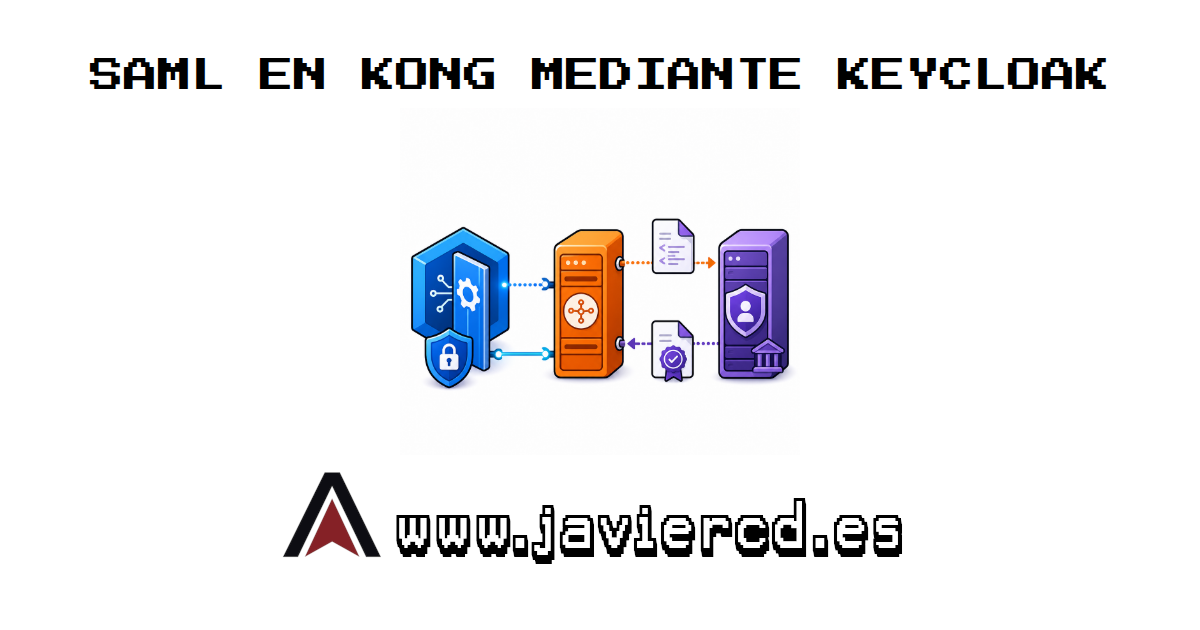
SAML in Kong through Keycloak

Kong’s official saml plugin requires an Enterprise license. After reviewing the open community and free-software alternatives, I could not find a direct, maintained SAML plugin compatible with Kong 3.x that would be responsible to recommend. This lab therefore uses a different, fully open architecture: Keycloak acts as the SAML Service Provider and identity broker, while Kong uses the open community or free-software kong-openid-connect plugin installed in the previous article. User authentication still performs a real SAML request and response. Keycloak validates the signed XML and returns an OpenID Connect Authorization Code to Kong.

  • Kong
  • SAML
  • OpenID Connect
  • Keycloak
  • KIC
Sunday, July 26, 2026 | 5 minutes Read
Hero Image
16 - Install and configure Horizon on the controller node

This post explains how to install and configure the Horizon web dashboard on the controller node (controller01). Install required packages sudo apt update sudo apt install -y openstack-dashboard Edit Horizon main configuration Edit /etc/openstack-dashboard/local_settings.py and ensure the following lines are set. Use sudo with vim or nano if preferred. sudo nano /etc/openstack-dashboard/local_settings.py Key entries: OPENSTACK_HOST = "controller01" SESSION_ENGINE = 'django.contrib.sessions.backends.cache' CACHES = { 'default': { 'BACKEND': 'django.core.cache.backends.memcached.PyMemcacheCache', 'LOCATION': 'controller01:11211', } } OPENSTACK_KEYSTONE_URL = "http://%s:5000/v3" % OPENSTACK_HOST OPENSTACK_KEYSTONE_MULTIDOMAIN_SUPPORT = True OPENSTACK_API_VERSIONS = { "identity": 3, "image": 2, "volume": 3, } OPENSTACK_KEYSTONE_DEFAULT_DOMAIN = "Default" OPENSTACK_KEYSTONE_DEFAULT_ROLE = "user" Note: change volume: 2 to volume: 3 because we use Cinder v3 endpoints. If you prefer v2, set OPENSTACK_API_VERSIONS['volume'] = 2.

  • openstack
  • installation
  • horizon
Sunday, November 23, 2025 | 2 minutes Read
Hero Image
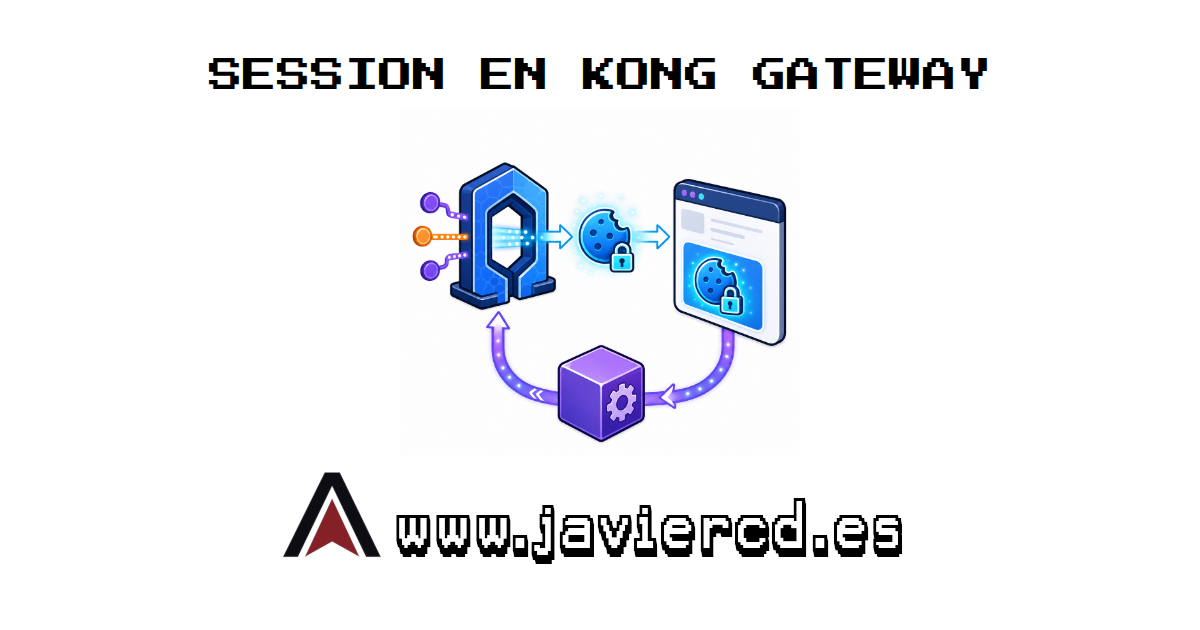
Session in Kong

The Session plugin lets an authenticated client reuse its identity through a cookie. It does not authenticate clients on its own and must work alongside another mechanism that validates the first request. This lab combines Session with Key Auth. The first request presents an API key, Kong creates a session, and later requests use only the cookie. We also configure an explicit anonymous branch to prevent requests without either credential from reaching the backend.

  • Kong
  • Authentication
  • Sessions
  • Cookies
  • KIC
Sunday, July 26, 2026 | 7 minutes Read
Hero Image
17 - Installing OpenStack using kolla-ansible on virtual machines

Up to now we installed OpenStack manually, configuring each step one by one. Now we jump to automation with Ansible, which lets you run deployments with almost no human intervention. The idea is simple: define your settings in a few files and Ansible runs the whole process unattended. These files can be versioned in Git so you can repeat or tweak deployments later. Ansible simplifies OpenStack by concentrating most settings in a handful of files with sensible defaults, valid for both simple environments and more complex ones (multi-node, clustering, advanced networking, etc.).

  • openstack
  • installation
  • horizon
Sunday, November 23, 2025 | 18 minutes Read
Hero Image
LDAP Auth in Kong

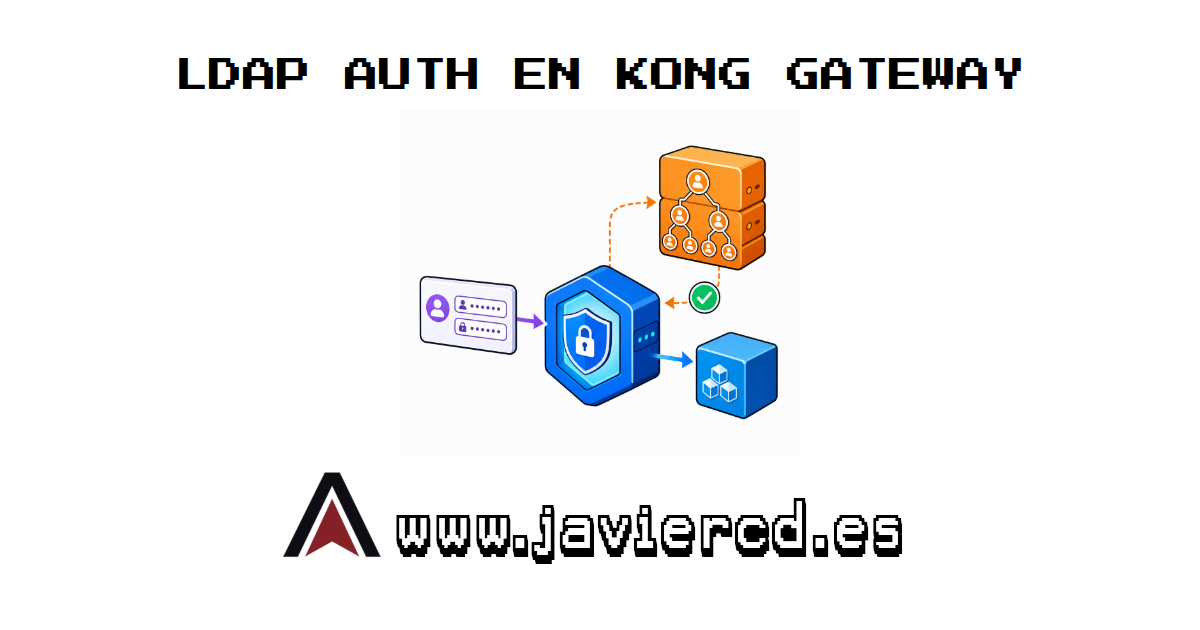
LDAP Authentication lets Kong validate a username and password directly against a corporate directory. The backend does not receive those credentials and does not need to implement LDAP. This article explains how the authentication header is built, how Kong locates the user in the directory, and how to protect /ldap-auth through Kong Ingress Controller. This lab continues from Installing KIC. It reuses the kong Gateway, the echo Service, and the 192.168.121.200 address assigned by MetalLB to kong-gateway-proxy.

  • Kong
  • Authentication
  • LDAP
  • Directory Services
  • KIC
Sunday, July 26, 2026 | 5 minutes Read
Hero Image
How to create and manage snapshots in KVM

Snapshots let you capture a VM’s state at a specific moment so you can roll back if something goes wrong (updates, risky changes, tests). In KVM with libvirt there are two main families: Internal snapshots: the snapshot content is stored inside the qcow2 file itself. They usually require the VM to be powered off and only work with qcow2 storage (not raw, LVM, etc.). External snapshots: they create separate overlay files (qcow2), these are the most used for hot snapshots (running VM). They allow more flexible flows and can be consolidated later (blockcommit). Additionally, a snapshot can be:

  • KVM
  • Virtualization
  • Libvirt
  • Linux
  • VM
  • Snapshots
Friday, October 17, 2025 | 5 minutes Read
  • ««
  • «
  • 2
  • 3
  • 4
  • 5
  • 6
  • »
  • »»
Navigation
  • About Me
  • Skills
  • Education
  • Recent Posts
  • Certifications
Contact me:
  • contacto@javiercd.es
  • javierasping
  • Francisco Javier Cruces Doval

Liability Notice: This theme is under MIT license. So, you can use it for non-commercial, commercial, or private uses. You can modify or distribute the theme without requiring any permission from the theme author. However, the theme author does not provide any warranty or takes any liability for any issue with the theme.


Toha Theme Logo Toha
© 2023 Copyright.
Powered by Hugo Logo